
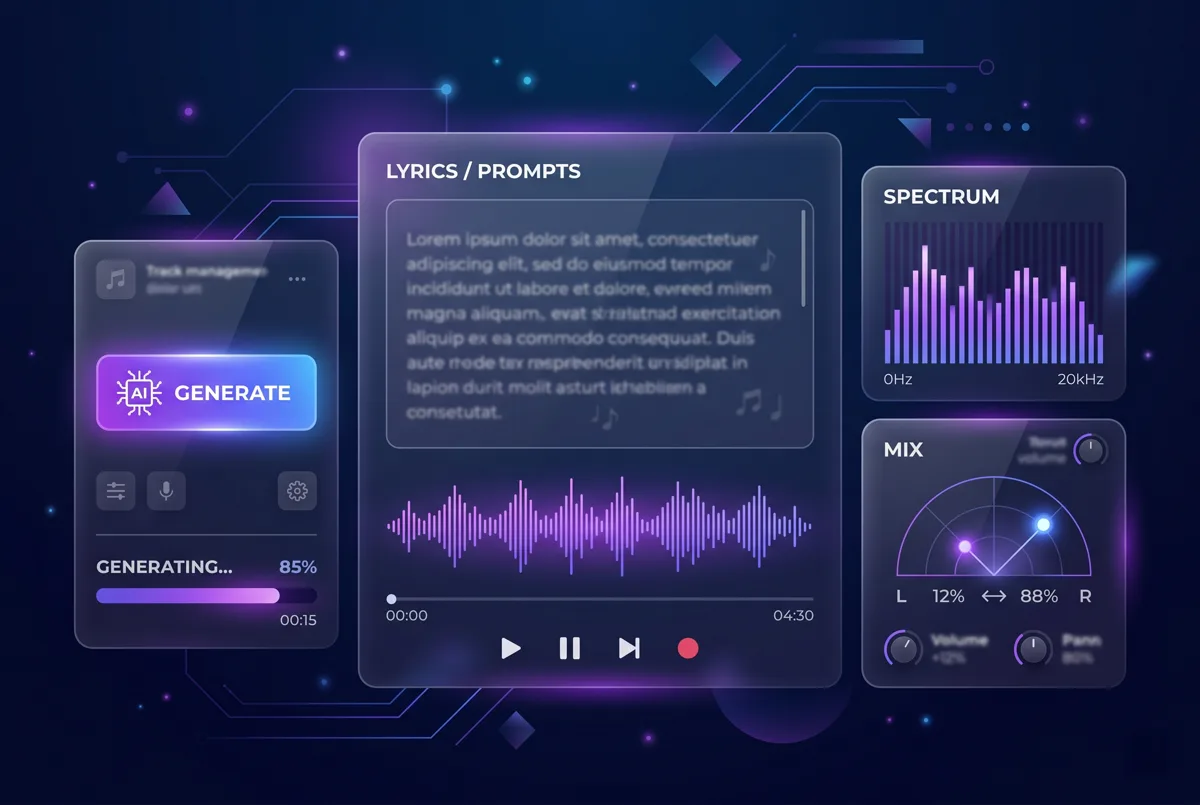
Generate the full song
Turn your text into a complete track with melody, vocals, structure, and production.
Generate a song →Describe a vibe, paste lyrics, or write a prompt. Generate full songs or instrumentals, then extend your best versions and split stems in one lyrics-first workflow.
Explore 8 demos across pop, indie, synthwave, and global styles, including a clearly labeled instrumental-only track.
Start with a prompt, a mood, or finished lyrics. Go from first idea to vocal track, instrumental, extension, and stems in one workflow.
Turn your text into a complete track with melody, vocals, structure, and production.
Generate a song →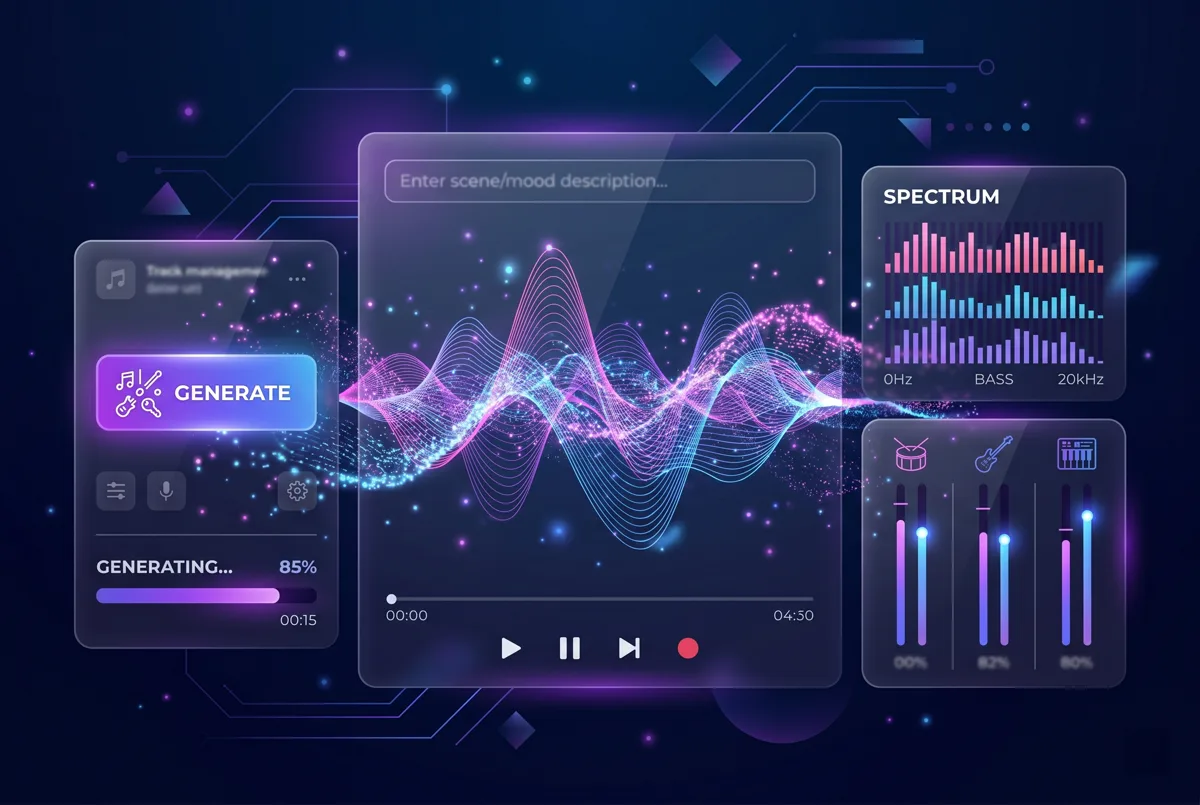
Create instrumental music from scenes, briefs, and mood notes when you need music without vocals.
Generate an instrumental →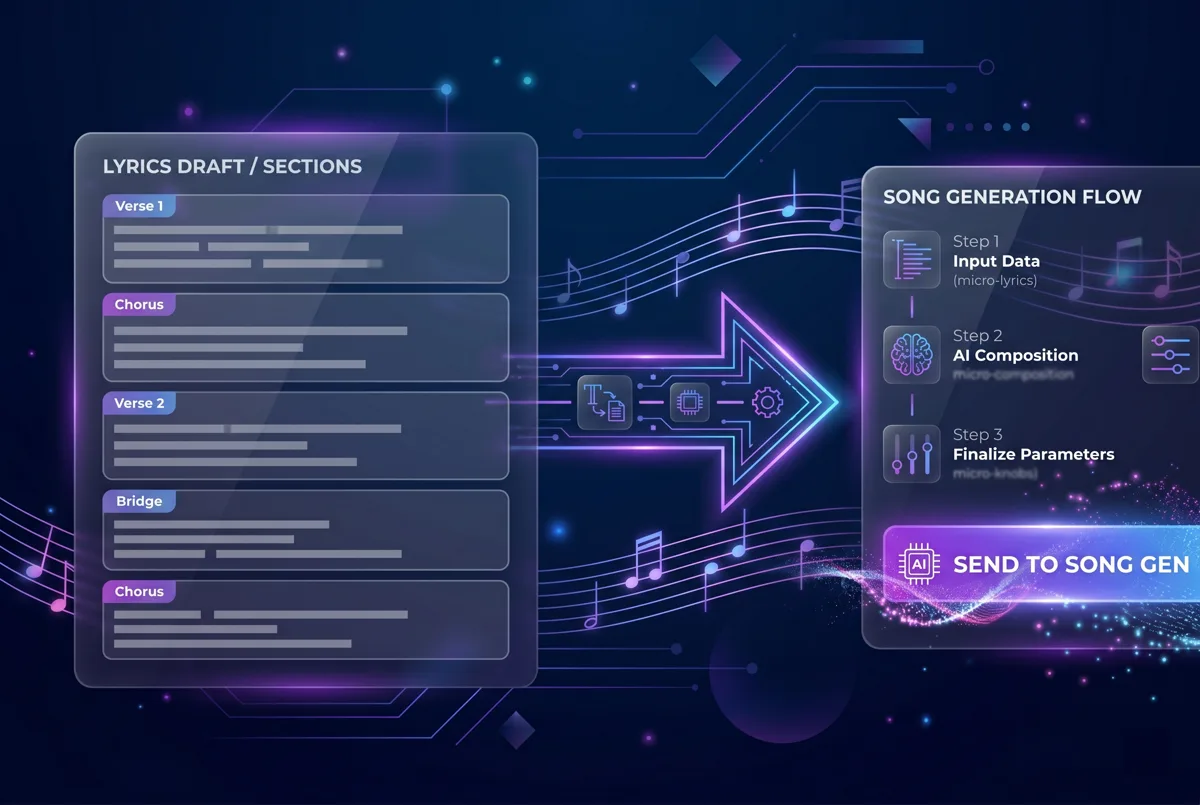
Draft verses, hooks, and choruses first, then send them straight into song generation.
Create lyrics →Lead with text-to-song: build lyrics-aligned tracks in your browser, export MP3/WAV on paid plans, extend your strongest takes, then split stems, remove vocals, and isolate drums for remix-ready post work.
Write your own lyrics or generate them with AI, then create a full song with vocals that stay aligned to your words.
Generate Lyrics First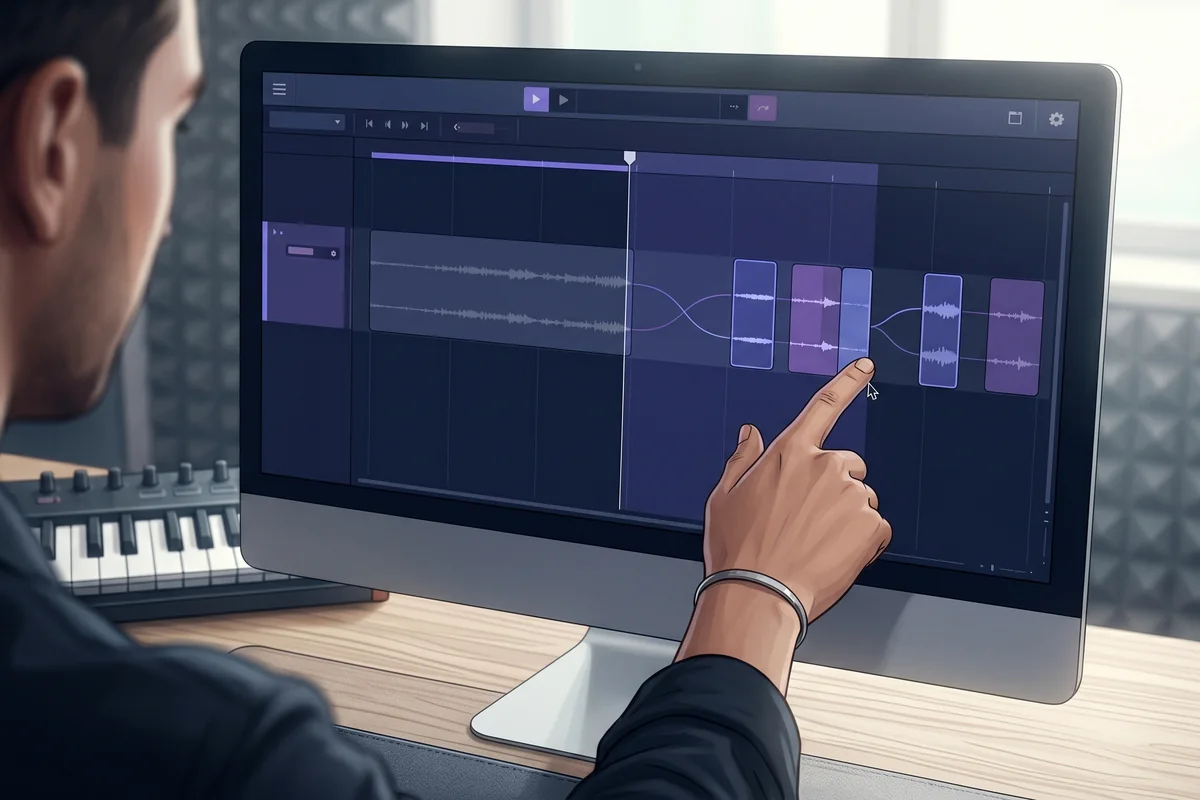
Describe a scene, brief, or mood in plain language to create instrumental music when you need beds or background tracks without vocals.
Generate an Instrumental
Create directly in your browser, then export MP3 or WAV on paid plans when your track is ready to publish or deliver.
Create in Browser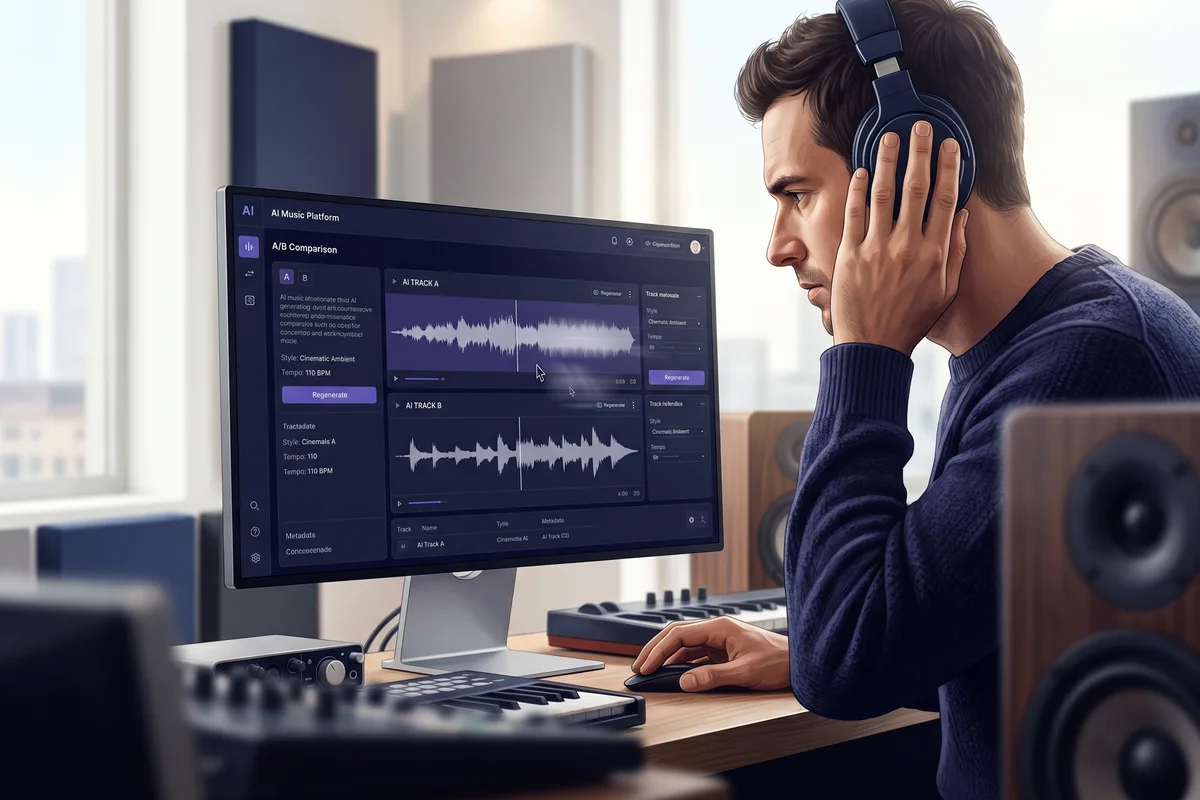
Continue your best takes up to 8 minutes with guided extensions, then choose the direction that fits your track.
Extend a Track
Upload audio from your device or choose a song from your library. Processing requires a paid plan. Creates exactly six tracks: Vocals, Drums, Bass, Other, Guitar, and Piano.
Split Stems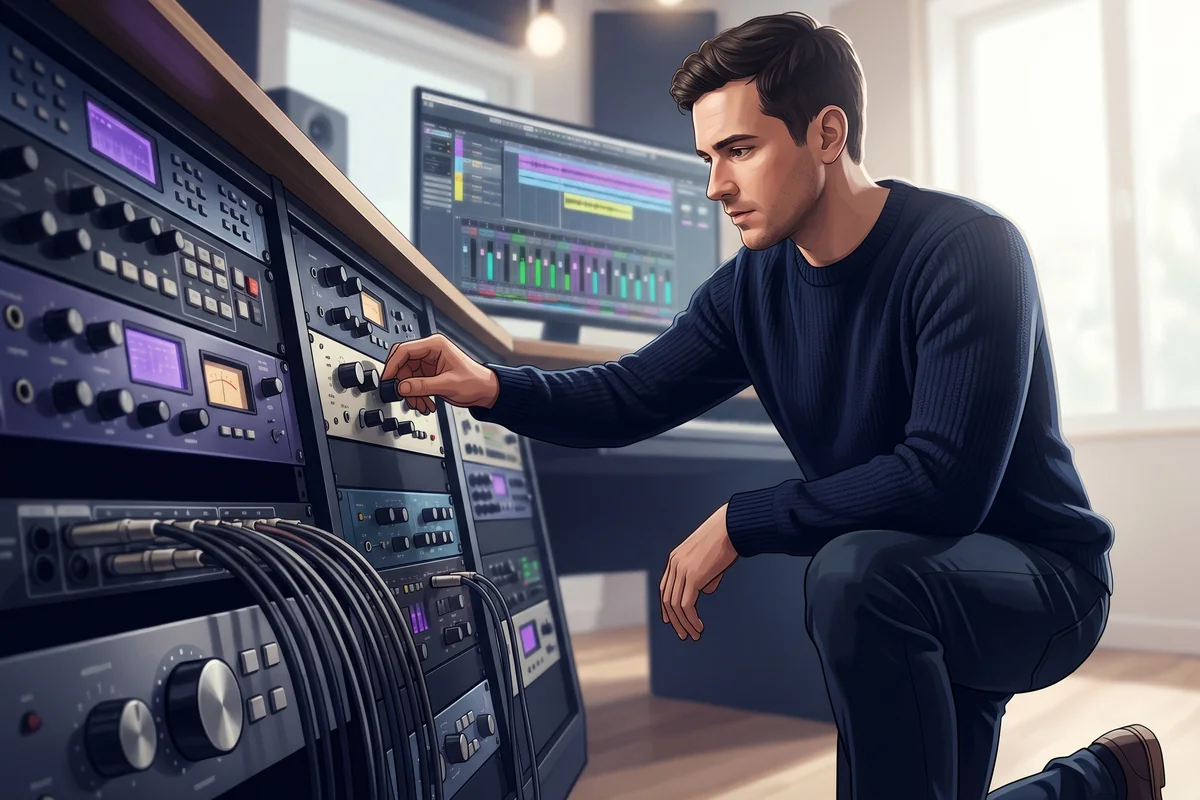
Upload audio from your device or choose a song from your library. Processing requires a paid plan. Creates exactly two tracks: Vocals and Instrumental.
Split with Vocal Remover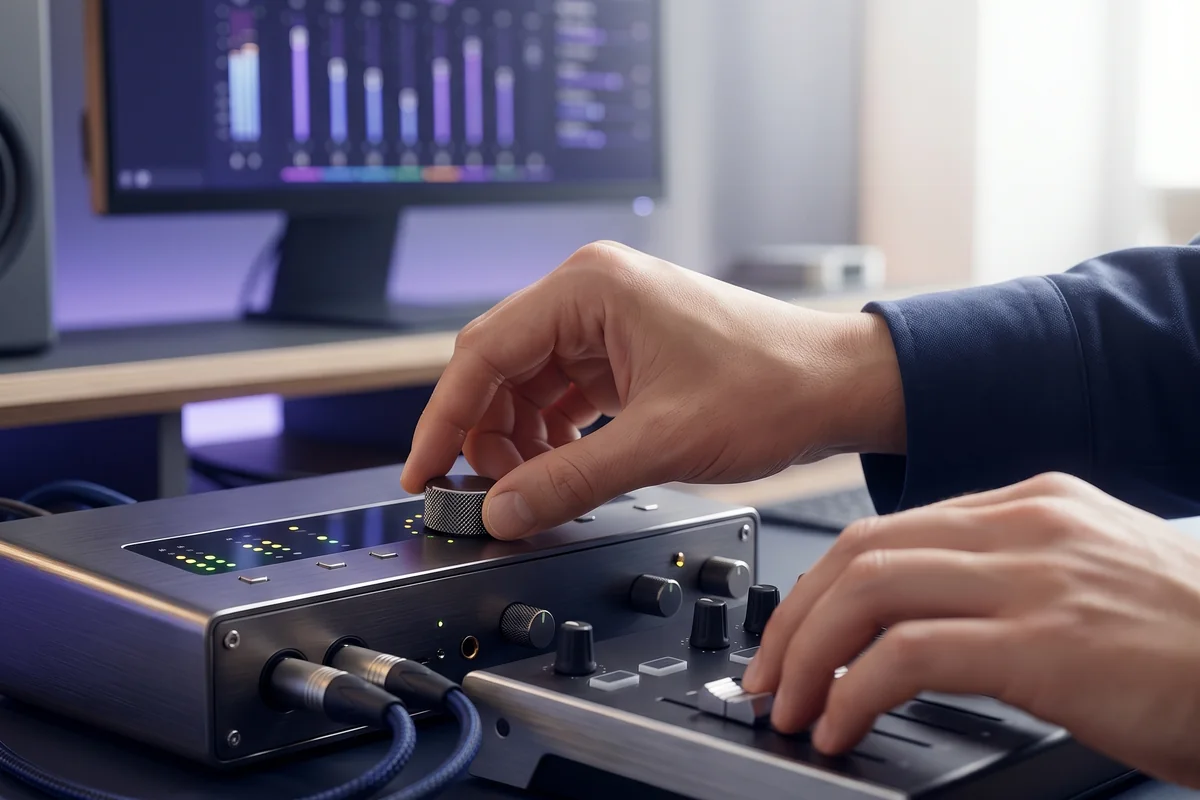
On paid plans, split tracks into drums, bass, vocals, guitar, keys, and more, then download WAV or MP3 for practice and remix work.
Split Drum Stems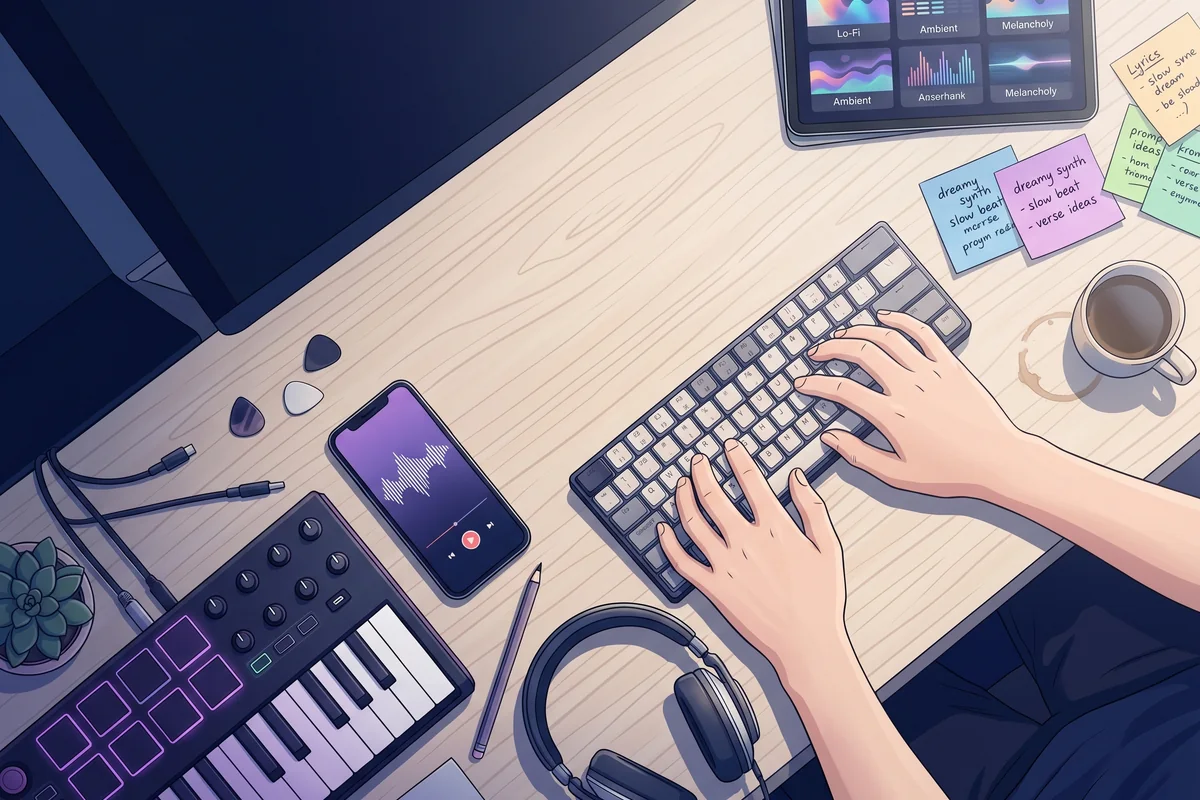
Enter a mood, scene, or lyric draft in plain language. You do not need a polished prompt to get started.
Create lyrics first →
Choose a full vocal song or instrumental, then set genre, energy, and vocal style to match your idea.
Generate your track →
Pick your strongest take, extend it, split stems if needed, and export MP3/WAV on paid plans when you are ready to share.
Extend and refine →Short notes from songwriters, editors, teachers, and small teams—how they use text-to-song when they need something listenable, not a press release.
“I dump a mood and a rough structure, get a full demo back, then argue with it on paper. Beats staring at an empty session for an hour.”
“Weekly cuts need beds that do not sound like the same five stock tracks. I generate a handful, pick one, tweak levels, ship.”
“Cold open and outro per episode, same show but not the same loop every week. Fast enough that I still have time to mix voices.”
“Same chart at three tempos, or the same vibe in two genres—students hear the difference immediately instead of me only describing it.”
“Placeholder moods for levels while art is still moving. If the level changes tone, I regenerate instead of rewriting a brief from scratch.”
“Temp score while the cut is still elastic. Lets us feel pacing before we commit real budget to a composer.”
Curious how your line would sound as a track?
Generate a songAI text-to-song converts written input such as prompts, descriptions, or lyrics into complete music. You provide the creative direction, and TextSongAI generates melody, vocals, instrumentation, and arrangement in minutes.
Yes. TextSongAI offers a free tier so you can try text-to-song, generate songs, and listen online before upgrading. Paid plans add higher limits, MP3/WAV downloads, privacy controls, and advanced models. Commercial rights apply only to tracks generated during an active annual Starter or Plus subscription term.
No music experience is required. Describe your idea in plain language or paste lyrics, and TextSongAI handles melody, vocals, arrangement, and production for you.
Simple Mode is the fastest path: enter a brief description and generate a complete track. Custom Mode gives you more control over lyrics, style, mood, and vocal direction when you want a specific result.
Yes. Turn on Instrumental mode to generate music without vocals. You can also use Vocal Remover to separate vocals and instrumentals from tracks you generated in TextSongAI.
The free tier lets you try text-to-song end to end, create tracks, and listen online. Paid plans add higher generation limits, privacy controls, advanced models, and downloads, including MP3 and WAV audio plus LRC lyrics for karaoke-style playback. Downloads require an active paid subscription.
Commercial rights apply only to tracks generated during an active annual Starter or Plus subscription term. Tracks created on Free or Monthly plans are limited to non-commercial use.
Beyond core generation you get the AI Lyrics Generator, Extend Song, Vocal Remover, Stem Splitter, and Drum Separator so you can write first, lengthen strong takes, remix stems, and prepare studio-ready parts without leaving the workflow.
Use clear prompts that include mood, genre, theme, or scene details. Avoid naming real artists. Generate a few versions, keep the strongest take, then extend or split stems to refine it.
Beyond generation, TextSongAI includes AI Lyrics Generator, Extend Song, Vocal Remover, and Stem Splitter so you can write first, refine stronger sections, and prepare tracks for remix or production.
TextSongAI is built for songwriters, creators, marketers, indie teams, and beginners who want to turn ideas into songs quickly. Whether you need a fast draft or production-ready output, the workflow adapts to your level.